

 MQL (Marketing Qualified Leads)
Lead tiers explained: what single-touch, MQL and BANT leads actually give you
Each lead tier buys a different kind of conversation. A plain guide to what each tier means and how to match it to your sales motion.
A webinar recording shouldn't disappear after one email. How to turn a single session into on-demand content, articles, clips and a lasting lead source.
 MQL (Marketing Qualified Leads)
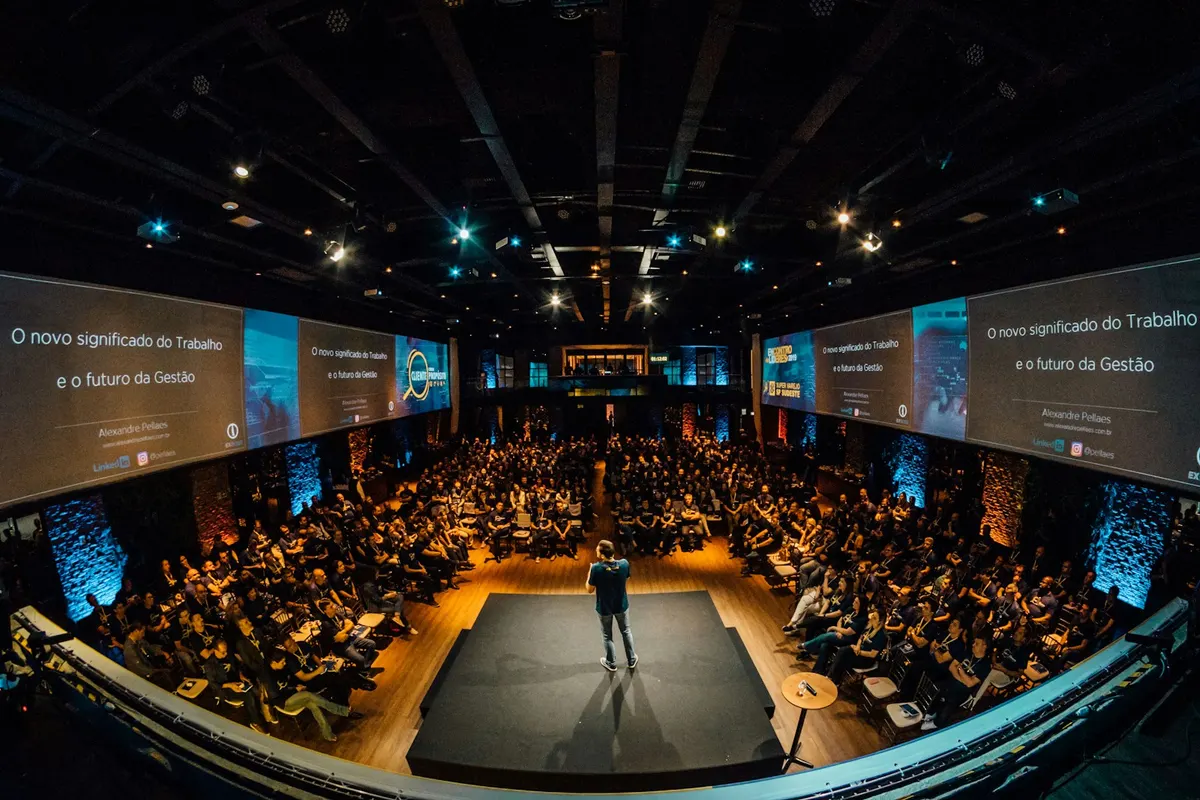
A webinar takes real effort: planning, promotion, preparing speakers, running the session. Then, too often, the recording is sent once and forgotten. That's a waste. A good webinar contains enough material to fuel content and generate leads for months.
Here's how to keep it working.
Publish the recording on your website as an on-demand webinar. Many people prefer to watch at their convenience, and an on-demand page keeps generating registrations long after the live date.
Options:
Many teams gate the full recording and share short clips freely.
Live recordings often include a slow start, technical delays and housekeeping. Before publishing:
Short clips of a minute or two work well on social media and in emails. Look for:
Each clip should make sense on its own and point to the full recording.
A webinar transcript is a rich starting point for written content:
Written content helps people who prefer reading, and it can attract visitors through search over time.
Add the recording and related content to relevant nurture tracks. A webinar on a specific problem is excellent content for leads who have shown interest in that problem. Clips and articles make good lighter touches between heavier pieces.
Salespeople can use webinar content in their conversations:
Tell sales what's available and where to find it, with suggested uses.
On-demand webinars can also be promoted through content syndication, putting the recording in front of professionals who match your target profile and turning views into leads.
If a webinar performed well, consider making it the first in a series. Follow-up sessions can go deeper into topics that generated the most questions. A series builds a returning audience and gives people a reason to stay in touch.
Review on-demand webinars periodically. If information becomes outdated, add a note, update the description or retire the recording. Old content with wrong information damages credibility.
Track results from the webinar across its whole life:
The full picture often shows that a webinar's on-demand life generates as much value as the live event, or more.
One webinar, properly reused, becomes a library of content that keeps working long after the live session ends.
MQL (Marketing Qualified Leads)Each lead tier buys a different kind of conversation. A plain guide to what each tier means and how to match it to your sales motion.
 MQL (Marketing Qualified Leads)
A great webinar with the wrong audience produces no pipeline. How to plan promotion so registrations come from people who match your buyers.
 MQL (Marketing Qualified Leads)
Custom questions decide how useful a lead is. How to write questions that reveal real need without scaring people off the form.